A number and a date, always
Every goal needs a target figure and a target date. Four sessions a week by the end of March is a goal Trackly can measure. Getting fitter is not, so Trackly will not accept it.
Set a goal with a figure and a date, then let Trackly measure it from the records you were keeping anyway. A goal with no measurable figure cannot be saved, which is the point of it.
Every goal needs a target figure and a target date. Four sessions a week by the end of March is a goal Trackly can measure. Getting fitter is not, so Trackly will not accept it.
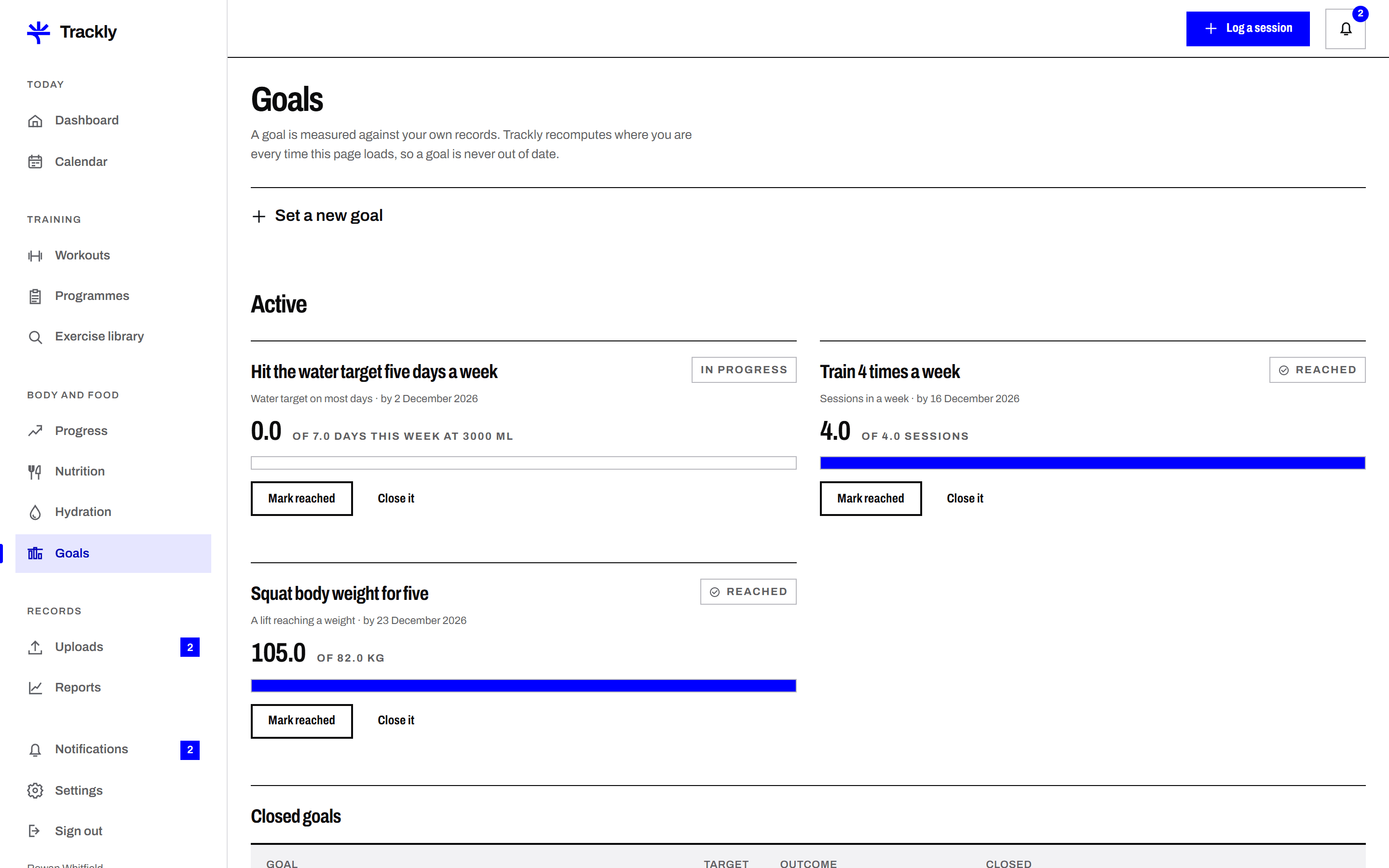
Trackly reads your saved workouts, weights, nutrition days or hydration entries, depending on the goal type, and shows progress as a figure and a bar. There is nothing extra to update.
A goal is shown as on track, behind or reached, based on the time elapsed and the progress recorded. Behind is stated plainly rather than softened, and no goal is marked reached early.
Finished goals move to a history list with their final figure and date, whether they were reached or not. You can reopen one with a new date rather than starting again from nothing.
Pick a goal type such as sessions per week, total weekly duration, a target body weight or days logged in the food diary.
Enter the target and the date you want to reach it by. Trackly records your starting point from your existing entries at the moment you save.
Carry on recording as usual. The goal card updates from your saved records, and you get one email when a goal is reached.
Next
Submit a CSV, a JSON export or a progress photo, and have a reviewer on the Trackly team check it. The status is visible at every stage, and