Log the work.Read the numbers.
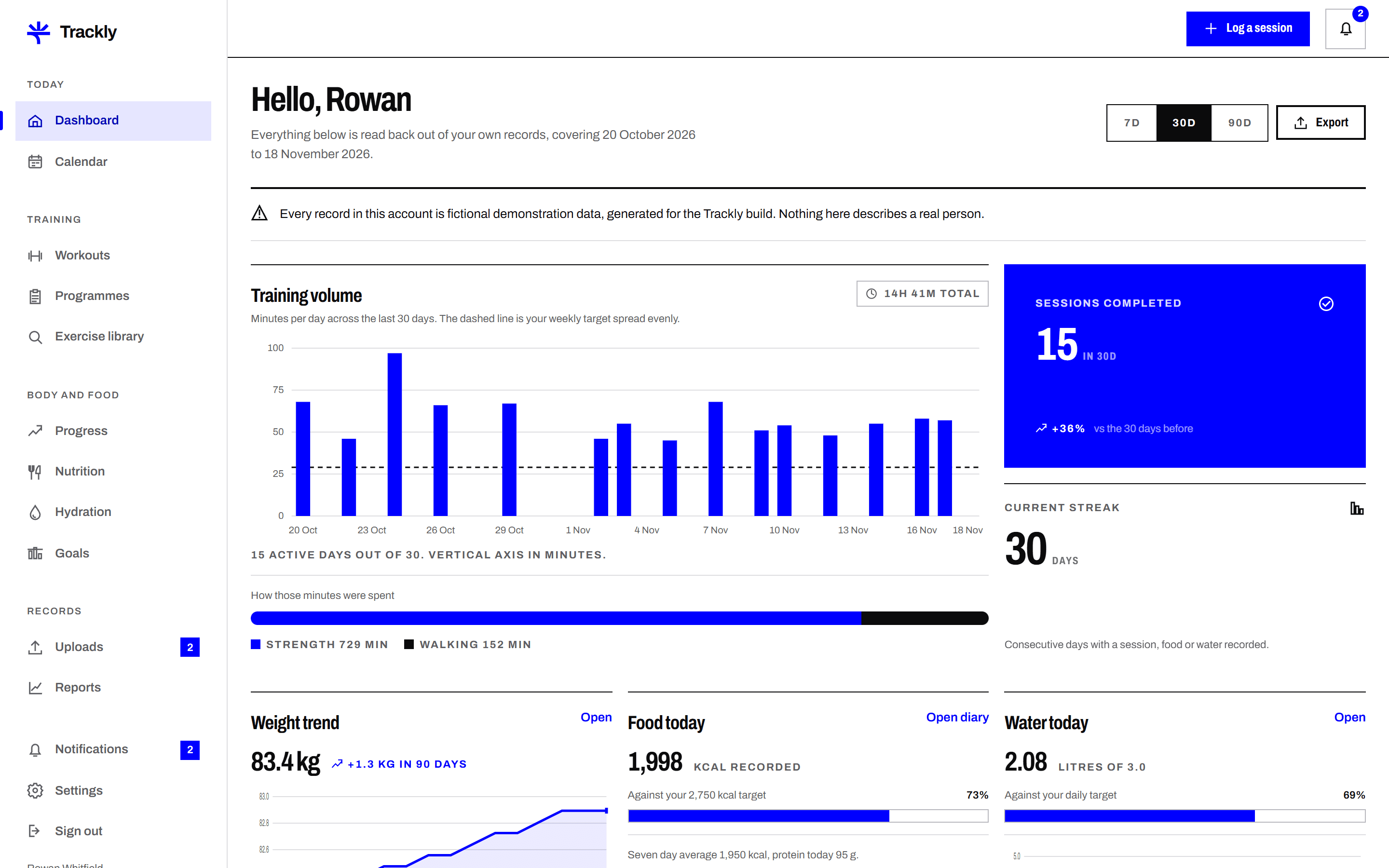
Trackly keeps your workouts, meals, hydration, measurements and goals in one place, with charts built from the figures you enter and nothing else.
What you can record
About the data you see here
Trackly is a working product built as a demonstration by TheDesignAffair. Every member profile, workout, meal, measurement and uploaded file inside it was written for this build. The names, dates and figures are fictional and belong to no real person. Nothing shown on this site is a real customer record or a real result.
How Trackly works
Four steps from a new account to a training record you can actually compare week to week.
Guides
Written by the Trackly team about recording training honestly and reading what comes back.
Getting started · 7 min · 9 November 202602Setting a goal you can actually measureMost goals fail because they were never measurable. How to turn a vague intention into a figure and a date your own records can answer.
Getting started · 7 min · 26 October 202603What the review team checks when you submit a fileWhat a reviewer looks at, what they never look at, what each decision means and how long the process usually takes.
Using Trackly · 6 min · 12 October 202604How to prepare a CSV export from another app for uploadMost rejected uploads fail for four or five predictable reasons. A checklist for getting a CSV from another app into Trackly first time.
Using Trackly · 8 min · 28 September 2026
Start with one week
Create an account, log a few sessions and see what the charts look like with your own figures in them. You can export everything or delete your account whenever you want.
Create an account